by admin | Jan 4, 2023 | howto, sharp
Sharp has recently re-routed their free print driver download page to their global site. Along with this re-route comes a new set of forms and links in order to download your drivers. We have updated our Print Driver Downloads page with new instructions and links so...
by admin | Aug 23, 2022 | sharp, sharp printer
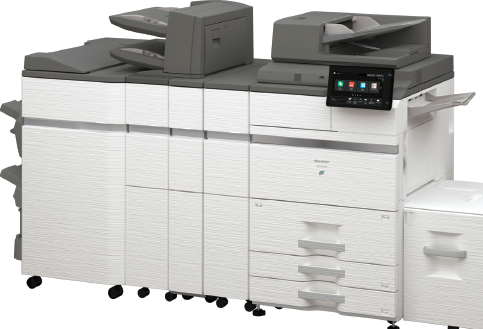
Sharp is pleased to announce the new BP-70M75 and BP-70M90 high-volume monochrome document systems designed to fit today’s diverse workstyles. These models offer print speeds of up to 75 ppm and 90 ppm and expand the BP Series lineup to higher volume environments. In...
by admin | May 23, 2022 | howto, sharp
SOLVED: Network Error. (Timeout Error) Consult your network administrator. Gmail is disabling Less Secure Apps as of May 31, 2022. This procedure is for setting up a new Gmail account from scratch, enabling 2-factor authentication, creating a Gmail App Password, and...
by admin | May 6, 2022 | howto, sharp
Microsoft Office 365 SMTP Settings in Sharp GUI Office365 is quickly becoming the most popular email solutions, so we wanted to make sure you had the instructions you needed to configure your Sharp BP Series Multifunction copier to scan to your email using Office365...
by admin | May 6, 2022 | howto, sharp, troubleshoot
Here are step-by-step instructions on how to view and/or change the IP address and network settings in your Sharp BP series multifunction copier. To View the Network Settings: Touch Settings on your home screen Touch the Status tab at the top-left corner Touch Network...
by admin | May 6, 2022 | howto, sharp
Sharp’s new BP series comes out of the box ready to scan to shared network folders via SMB 3.0. Here are step-by-step instructions on how to set up your scanning destinations. Create or choose a shared network folder you want to scan to, and copy the folder...

by admin | May 2, 2022 | sharp
Yes, the award for the best tier of service from Sharp Electronics is called Platinum, just like our brand. We strive to hit all the markers to achieve the highest level of service possible within the dealer network. Not only are we 1 of 75 dealers in the country to...
by admin | Apr 12, 2022 | sharp
They’re here! Sharp’s new mid-volume Essential Series BP-50C26, BP-50C31, BP-50C36, BP-50C45 Click here to download the brochure! Click here to download the spec sheet! This slideshow requires JavaScript. Essential Series Current Model New Model MX-2651 (26PPM)...
by admin | Apr 12, 2022 | Houston, printer, sharp, sharp scanner
They’re here! Sharp’s new mid-volume Advanced Series BP-70C31, BP-70C36, BP-70C45. Click here to download the brochure! Click here to download the spec sheet! This slideshow requires JavaScript. Advanced Series Model Replacements Current Model New Model...
by admin | Apr 11, 2022 | sharp
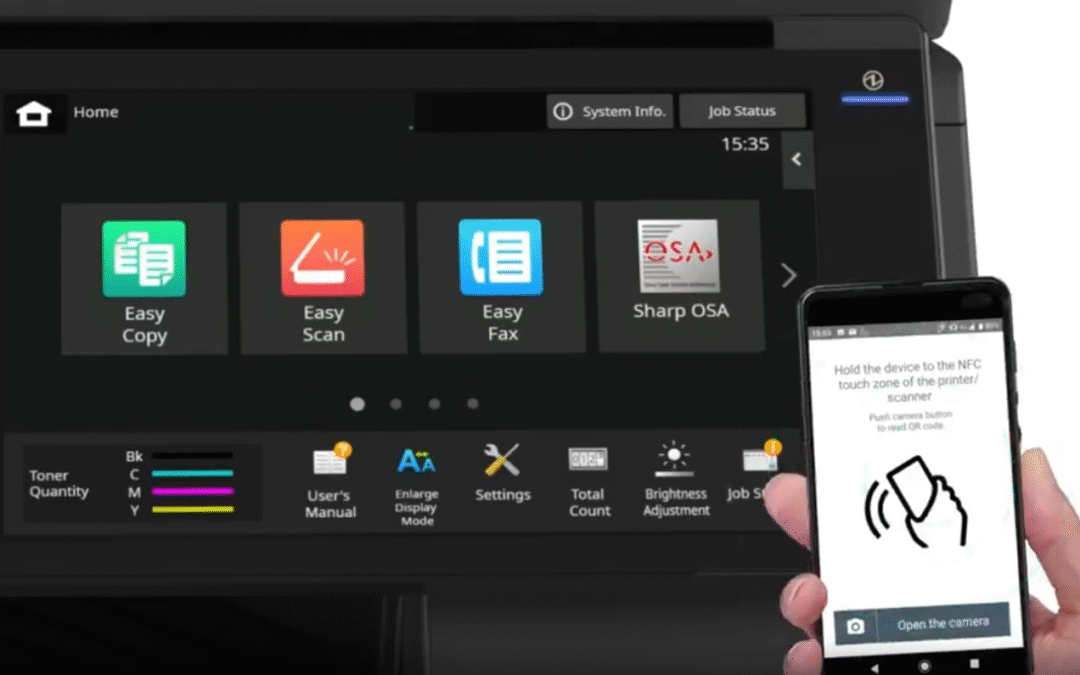
A new fleet of Sharp document systems has a release date around the corner. A teaser video was released last week on LinkedIn, but we haven’t gotten any more details from the manufacturer yet. Slowing the video down revealed a few details that are noteworthy....
