by admin | Feb 23, 2024 | News
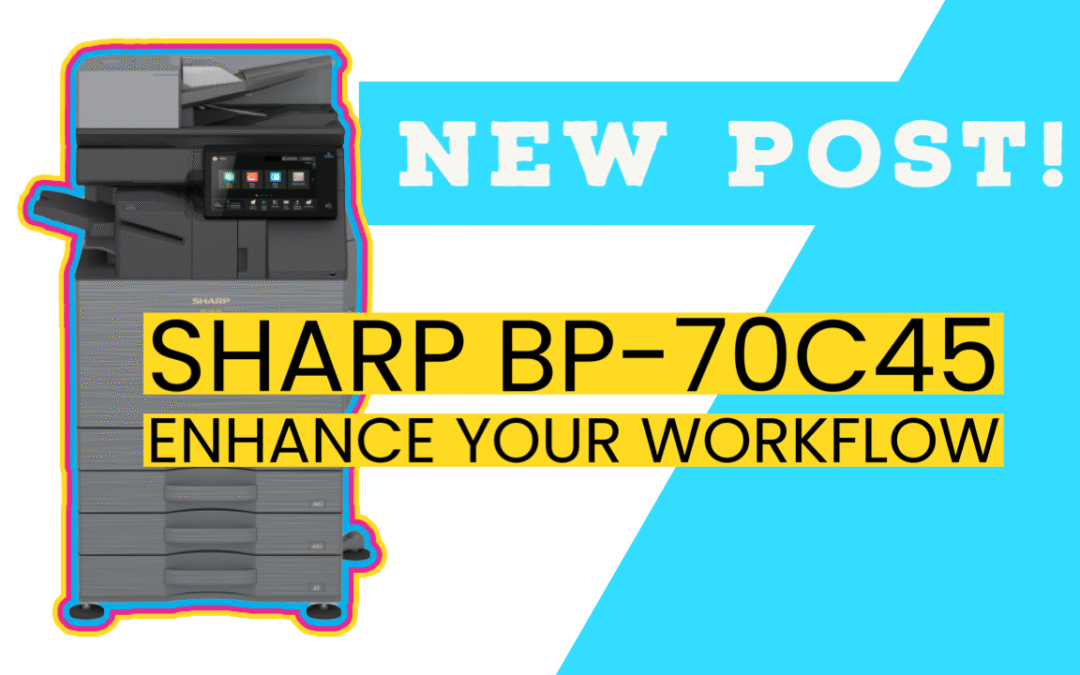
The Sharp BP-70C45 is part of the Advanced Series color document systems, designed to meet the needs of modern workstyles. Let’s delve into its standout features: 1. Document Feeder The dual-head document scanner has 2 scanners to image the front and back of a 2-sided...
by admin | Oct 19, 2023 | new product
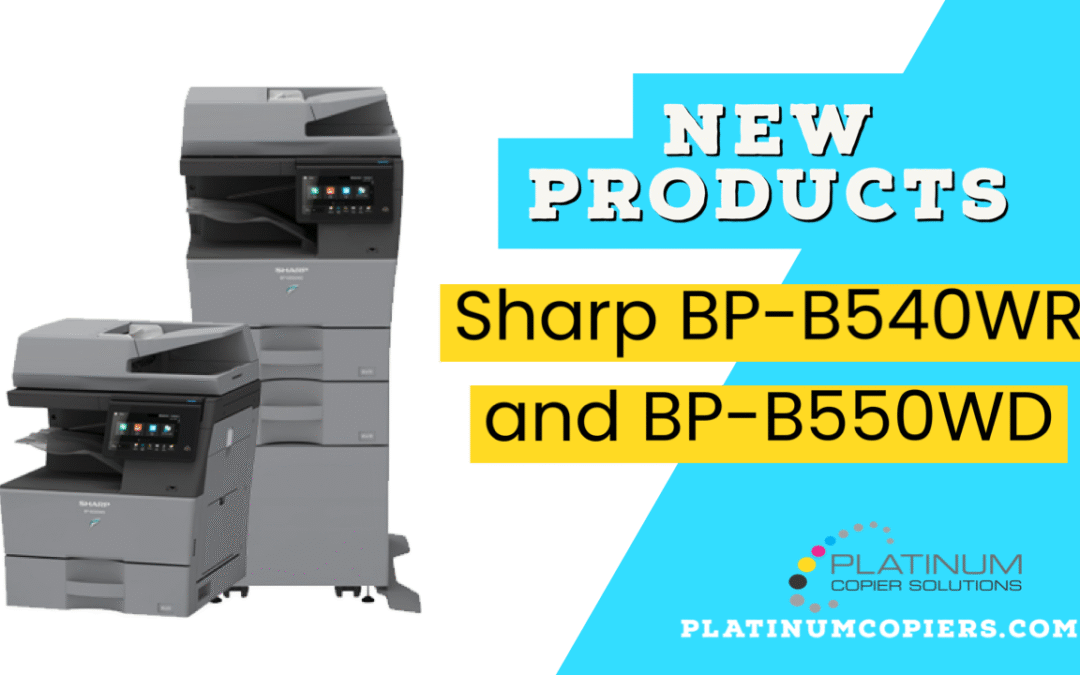
Sharp is pleased to announce two new monochrome multifunction printers (MFPs) designed to fulfill the needs of today’s hybrid workforce. This latest line features faster print speeds, enhanced user experience and a compact design. In its out-of-the-box configuration...
by admin | May 6, 2022 | howto, sharp
Microsoft Office 365 SMTP Settings in Sharp GUI Office365 is quickly becoming the most popular email solutions, so we wanted to make sure you had the instructions you needed to configure your Sharp BP Series Multifunction copier to scan to your email using Office365...
by admin | May 6, 2022 | howto, sharp, troubleshoot
Here are step-by-step instructions on how to view and/or change the IP address and network settings in your Sharp BP series multifunction copier. To View the Network Settings: Touch Settings on your home screen Touch the Status tab at the top-left corner Touch Network...
by admin | Feb 25, 2021 | sharp
Available Firmware update enables users to release their Print Hold jobs by simply swiping their ID card Sharp remains committed to keeping your work environment safe and sanitary by supporting features to help employees safely and hygienically operate shared...
