by admin | Feb 13, 2023 | sharp
Based on the BP Line of Copiers, available now. Request a quote below! Application Whitelisting prevents unauthorized files and applications from being loaded BIOS Integrity Check at startup helps protect system files from malware attacks Trusted Platform...

by admin | Feb 1, 2023 | howto, sharp
In an effort to keep costs down most of our customers like to default their print drivers to print in B&W. The cost-per-print is a fraction of color prints on the maintenance agreements, so it makes sense to only choose color printing when you absolutely need it....

by admin | Jan 30, 2023 | sharp
To realize maximum cost and productivity benefits, it’s a best practice for organizations to focus on efficiency across the entire print experience. Having the right set of Multifunction Printers (MFPs) to address document processing requirements is a good start but...
by admin | Jan 9, 2023 | sharp
Did you know these 10 key features of Sharp copiers? Make sure your copier has the latest and greatest in office equipment technology to keep your workplace running more efficiently and simply smarter. Based on the BP Line of Copiers Print from your mobile device...
by admin | Jan 9, 2023 | sharp, sharp printer
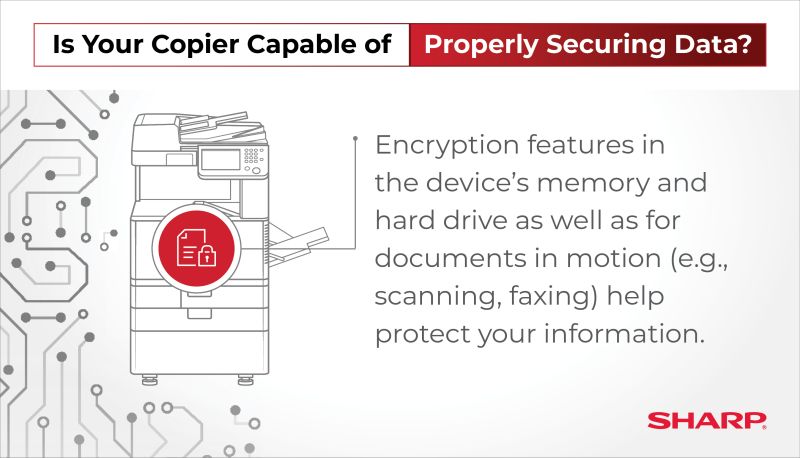
The office multifunction printer (MFP) is an intelligent business processing hub that serves as an important on- and off-ramp for both paper-based and digitally based business information. Particular attention must be paid to this mission-critical device to ensure...

by admin | Jan 4, 2023 | sharp
New Advanced and Essentials Series monochrome models join the Sharp product family offering enhanced connectivity and leading security for today’s hybrid work environments MONTVALE, N.J., Oct. 18, 2022 /PRNewswire/ — Sharp Imaging and Information Company...
