
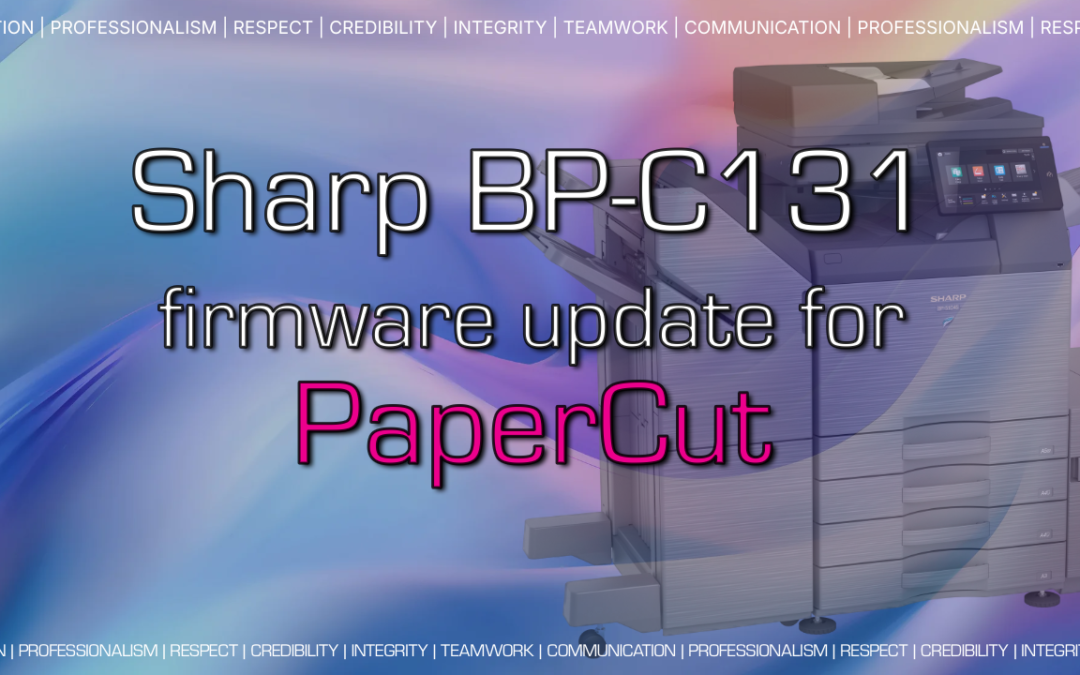
If your business uses PaperCut MF to manage printing, there’s good news for small workgroups and branch offices. The compact Sharp BP-C131WD and BP-C131PW A4 color multifunction printers now support PaperCut MF, along with a firmware update that adds several practical improvements.
PaperCut MF on Sharp’s Compact Color MFPs
Until now, many organizations ran PaperCut MF on their larger copiers but had to leave smaller desktop devices out of the system. That meant gaps in print tracking, security, and user experience.
With PaperCut MF support on the BP-C131 Series, you can now:
- Track print costs across your whole fleet. Every page from every device, large or small, shows up in one place for accurate cost accounting and departmental chargebacks.
- Secure your documents with print release. Users authenticate at the device before their jobs print, so sensitive documents don’t sit unattended in the output tray.
- Control access. Set who can print, copy, scan, or use color, and apply rules that cut waste.
- Give users one consistent experience. The same login and workflow on every Sharp device, regardless of size.
PaperCut MF support for these models is included in PaperCut MF version 26.0.6. If you already run PaperCut MF, your BP-C131 devices can be added once your server is on a supported version.
Note: This support applies to PaperCut MF. PaperCut Hive (the cloud-based version) is not yet supported on the BP-C131 Series.
New Firmware Enhancements for the BP-C131 Series
Along with PaperCut MF support, the latest firmware brings several usability and reliability updates.
Address Book Import and Export (BP-C131WD)
You can now import and export the device address book in CSV format directly from the operation panel. That makes it easier to back up contacts, move them to a new device, or update them in bulk without re-entering each one.
Improved Fax Status Screen (BP-C131WD)
The fax status screen now refreshes automatically as the transmission status changes, so you always see current information.
Clearer Firmware Update Notifications
If a firmware update is available and the device is powered off, it now displays a clear message explaining that the update will not be installed while powered down and recommending Power Save mode instead. This helps your device stay current without extra effort.
Enhanced Print Reliability
Sharp has improved how the BP-C131 Series handles toner during low-coverage and single-page printing. The improvement is enabled by default and is designed to keep the device running smoothly with fewer service interruptions.
Is the BP-C131 Series Right for Your Business?
The Sharp BP-C131WD and BP-C131PW are a good fit for:
- Small offices and remote workers who need professional color output
- Branch locations that need to match the security and tracking of headquarters
- Schools, healthcare offices, and government agencies that require secure print release
- Businesses that want to put desktop printers under the same management as their larger copiers
Get Help Adding PaperCut MF to Your Sharp Fleet
Platinum Copier Solutions is a Sharp-authorized dealer serving the Greater Houston area. Whether you want to add BP-C131 devices to an existing PaperCut MF setup, update firmware on your current machines, or build a secure print management plan from scratch, our team can help.
Contact Platinum Copier Solutions today to schedule a consultation or request a quote.