by admin | Jan 15, 2018 | sharp
Sharp has implemented some changes on some of the accessories for their Color Advanced and their Color Essential series machines. Rather than shipping wiring harnesses to account for the change, they have built the changes into the engine and re-assigned the model...
by admin | Dec 7, 2017 | sharp
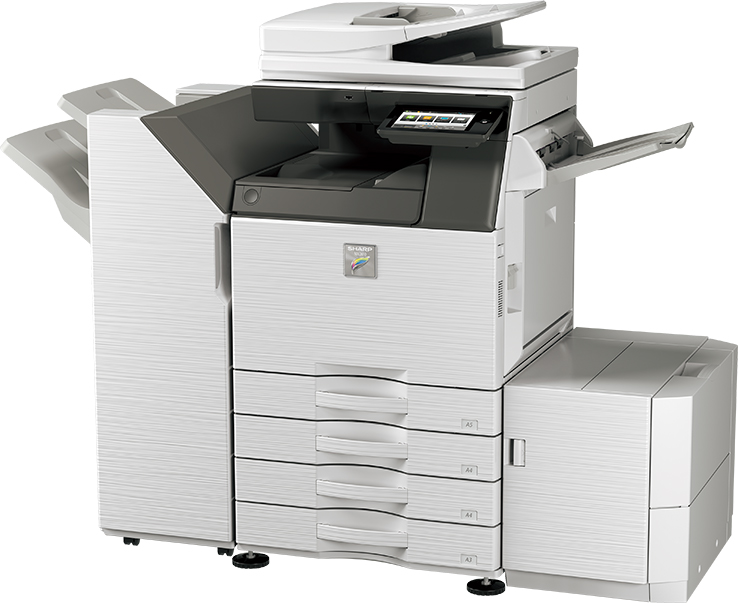
This slideshow requires JavaScript. Sharp MX-2630N There’s a new kid in town! Sharp has released a new entry-level, low-volume A3 color document system. With speeds at 26 pages per minute the MX-2630N isn’t going to blow the doors off, but it will get the...
by admin | Dec 7, 2017 | sharp
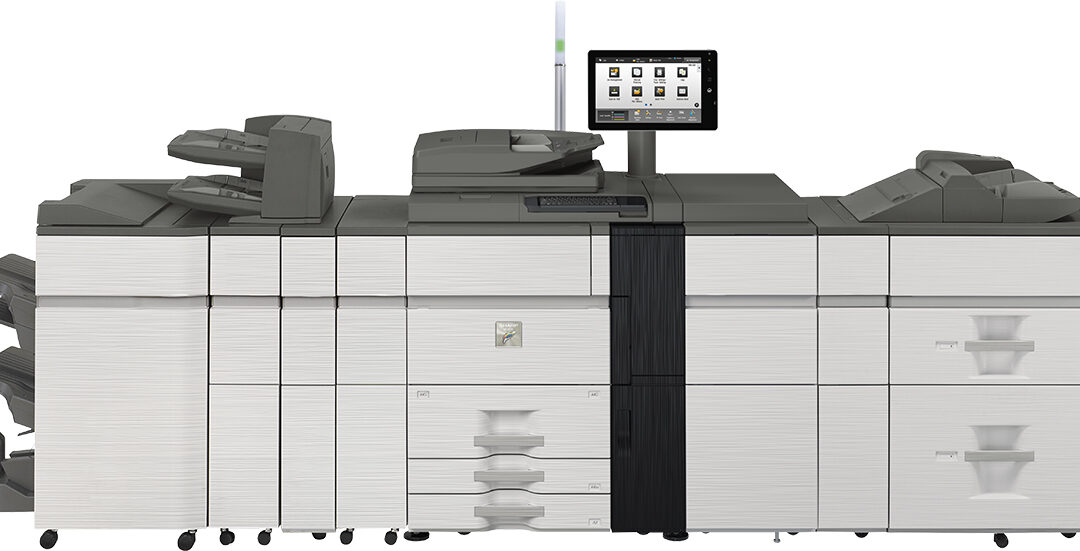
This slideshow requires JavaScript. Sharp MX-7090N and MX-8090N Come January 2018, Sharp Electronics will have a new high-volume, light production series available. This is the cream of the crop for Sharp, and these machines are poised to win awards for best-in-class...
by admin | Dec 7, 2017 | sharp
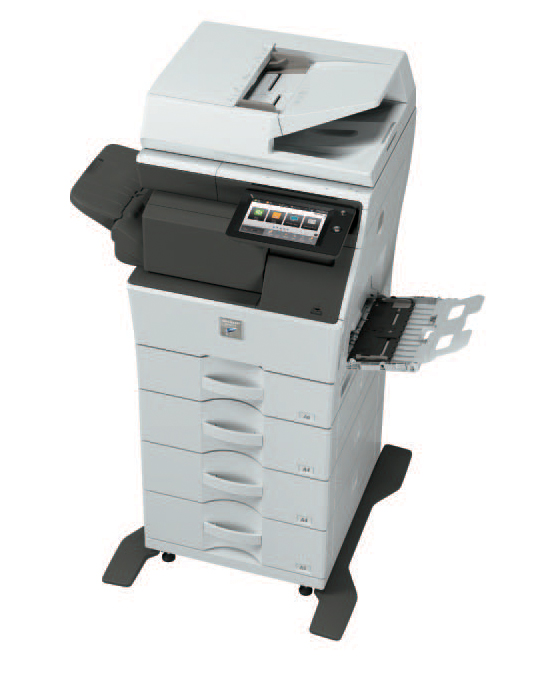
Sharp MX-B355W, MX-B455W A new series of monochrome A4 printers have been released by Sharp. As far as most folks in the USA are concerned, this printer has a small footprint due to the fact that it will only print on letter and legal. A4 is a European paper size that...
by admin | Dec 5, 2017 | sharp
This slideshow requires JavaScript. Sharp MX-M5070, MX-M6070 is now available from Sharp. This high-speed series is perfect for the office who needs prints and scans fast, but doesn’t need to print in color. They will, however, scan in full-color at a very...
